

HealthConnect Partner
Toolkit Page
Purpose of the partner toolkit
The partner toolkit is designed to make outreach simpler and easier for HealthConnect Hub partners. Instead of creating new materials from scratch, partners can use ready-made flyers, social media graphics, sample language, and Canva templates that are already set up and easy to adapt. Partners can add their own logo, update contact information, adjust colors, and customize materials to fit their program or community. The goal is to save time, reduce confusion, and make it easier for partners to share clear, consistent information about community care coordination and available support.
A few tips
Simple flyer design tips
Keep the main message easy to find.
Use one clear headline.
Include only the most important information.
Make the date, time, location, and contact information stand out.
Use short sentences and plain language.
Leave enough space so the flyer does not feel crowded.
Use large, readable text.
Make sure there is enough contrast between text and background.
Add a clear next step, such as “Register,” “Learn more,” or “Contact us.”
Include a QR code or short link when helpful.
Simple social media design tips
Keep the graphic focused on one message.
Use less text than you would on a flyer.
Make the headline short and easy to read quickly.
Put extra details in the caption instead of on the graphic.
Use images or icons that support the message.
Make sure logos do not overpower the content.
Check that the design is readable on a phone.
Use consistent colors, fonts, and spacing.
Include a clear call to action when needed.
Add alt text when posting so the content is accessible.
How to make a QR Code/Short Links
CBW Awareness Day Toolkit
Here you’ll find a variety of downloadable materials we encourage you to use to spread the word with about CBW Awareness Day.
Print-outs

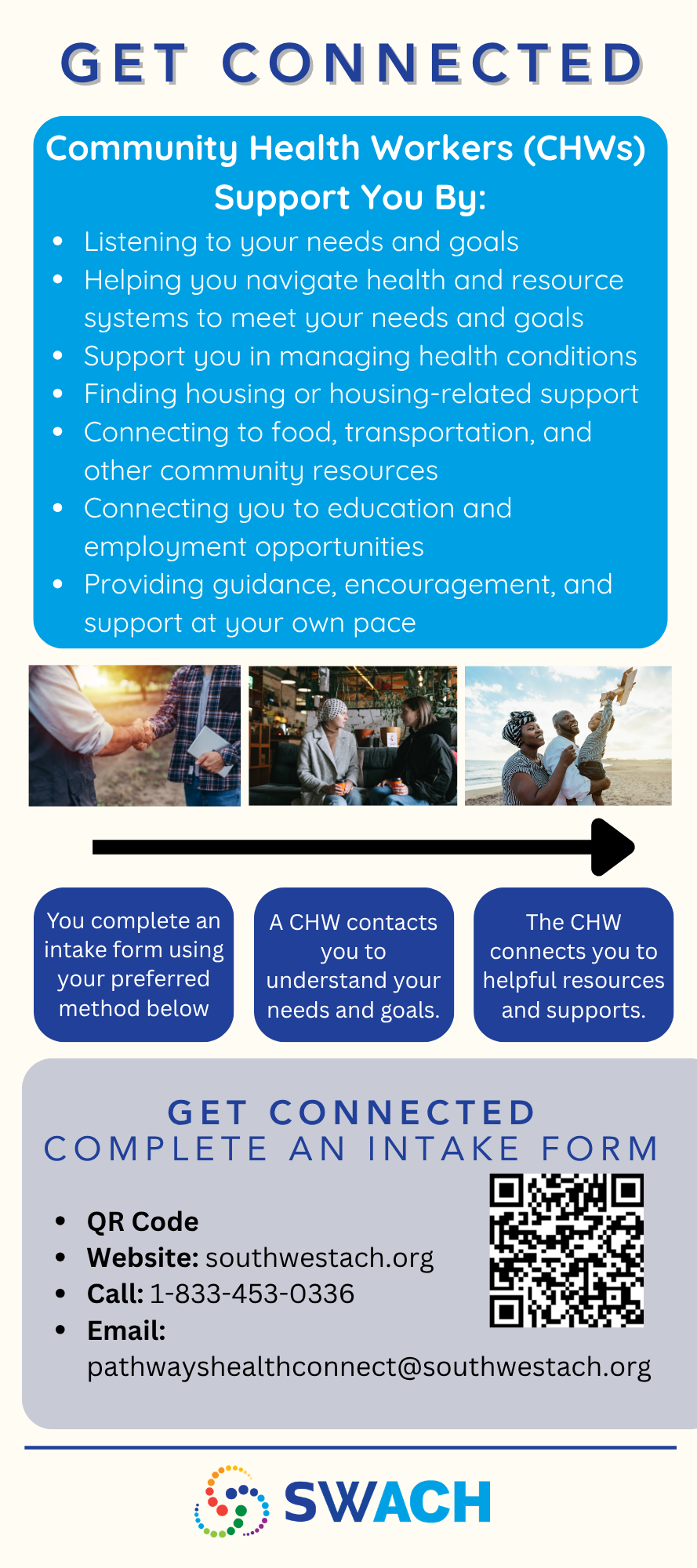
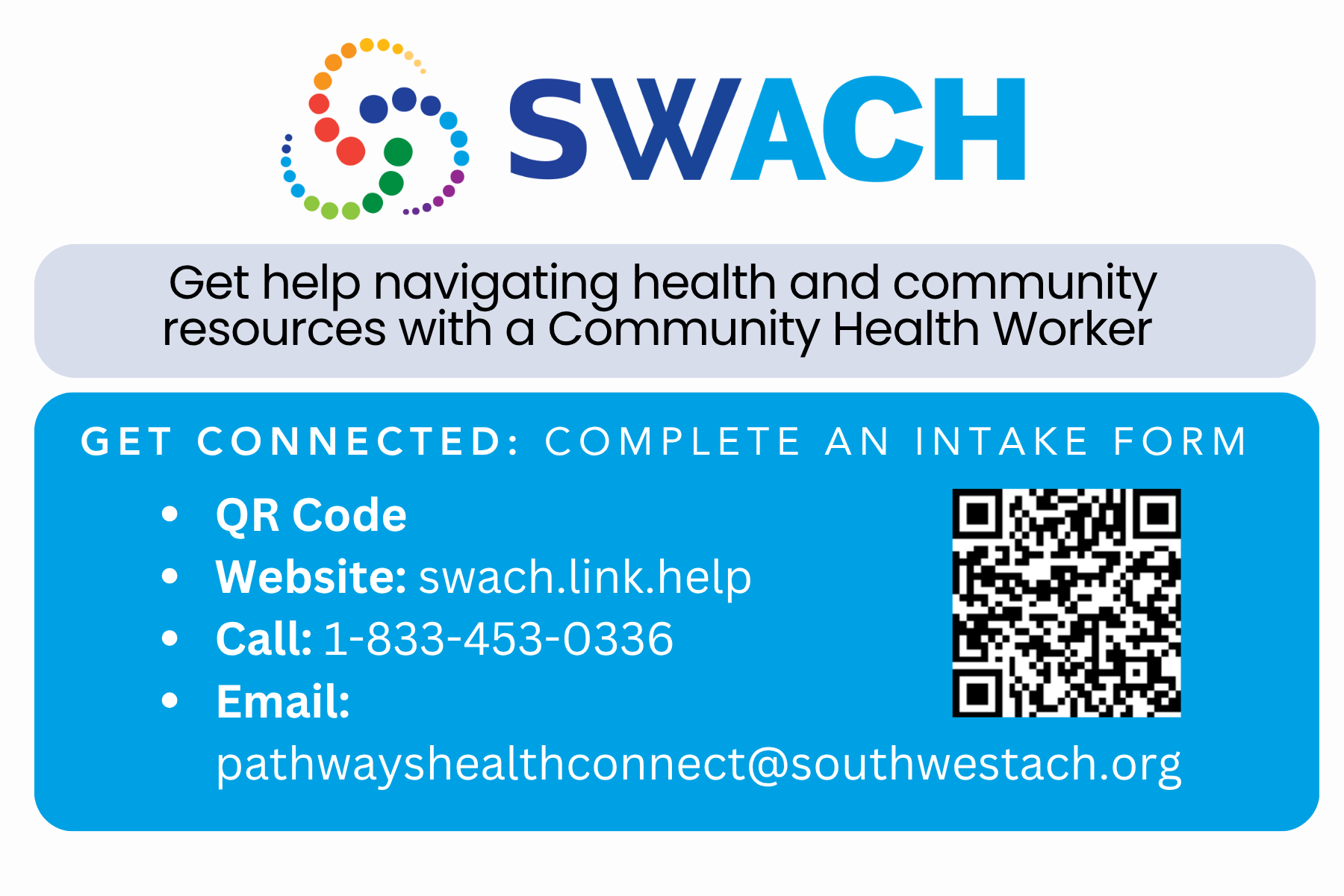
-
What is the HealthConnect Hub?
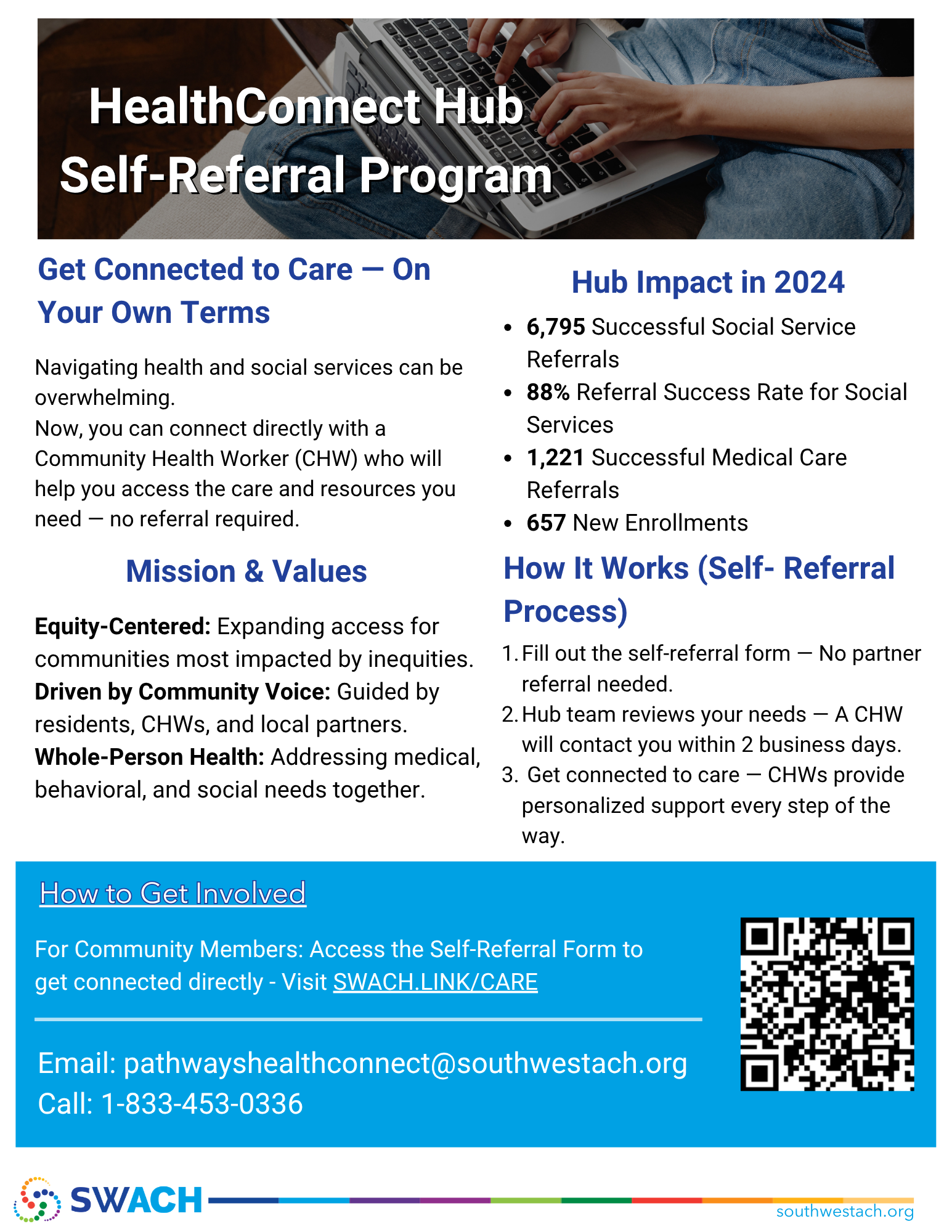
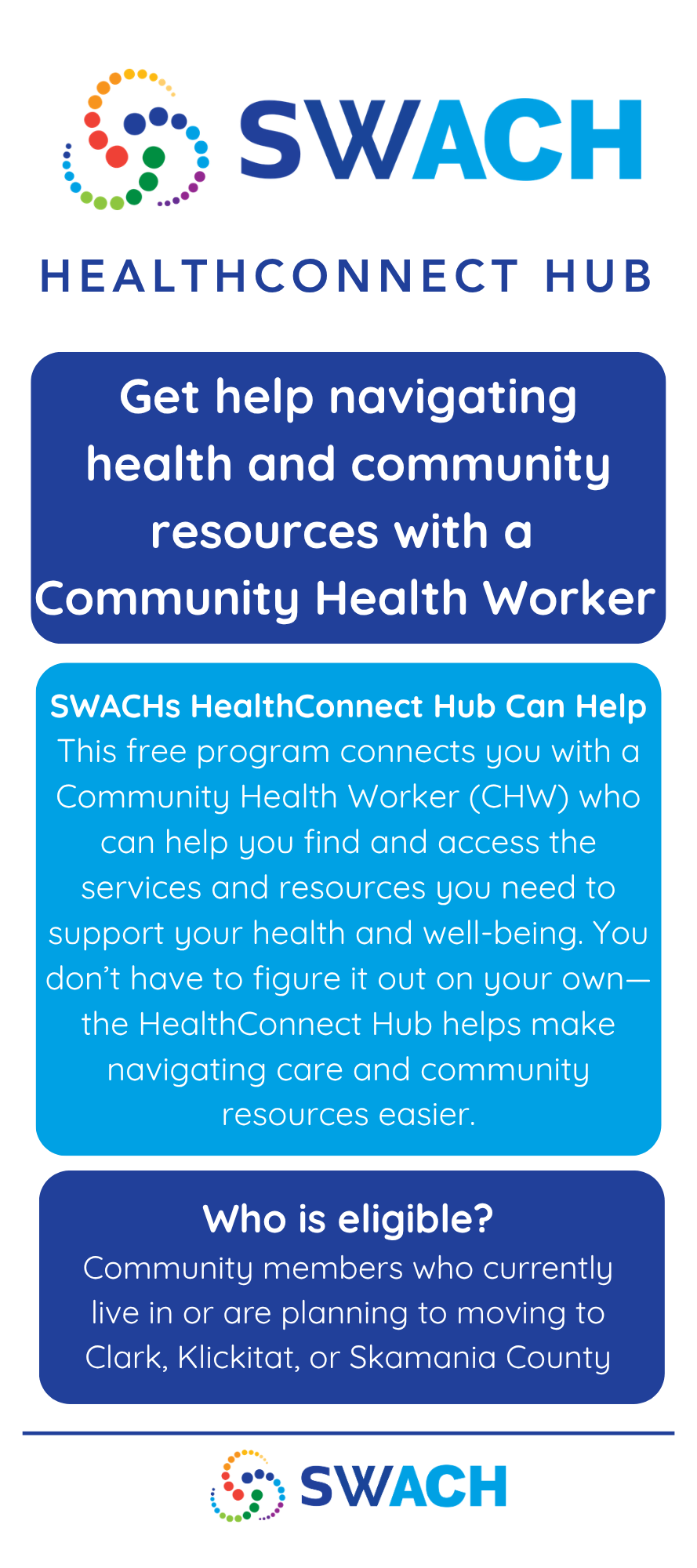
The HealthConnect Hub is a free SWACH program and coordinated entry point for care and services in Clark, Klickitat, and Skamania counties. With one referral or self-referral, community members can access a network of trusted partners who help connect people to care, services, and resources.
Who is the HealthConnect Hub for?
The HealthConnect Hub is for community members in Clark, Klickitat, and Skamania counties who need help connecting to support. This may include help with health care, housing, food, behavioral health, transportation, insurance, and other social needs.
Do I need a referral to use the HealthConnect Hub?
No. Community members can complete the self-referral form directly. No partner referral is required.
Can partners submit referrals?
Yes. Partner organizations can submit referrals for community members who may benefit from support. Partners can also complete an interest form if they would like to join the referral network.
How does the self-referral process work?
Fill out the self-referral form.
The Hub team reviews your needs.
A Community Health Worker contacts you within two business days.
You get connected to care and resources with personalized support.
How does the partner referral process work?
A partner submits a referral.
The Hub team reviews the referral and triages the person’s needs.
The person is matched to services.
A Community Health Worker or partner organization follows up with tailored support.
What kinds of support can the Hub help connect people to?
The Hub can help connect people to support for:
Health care
Housing
Food
Behavioral health
Transportation
Insurance
Social services
Other community resources
Is the HealthConnect Hub free?
Yes. The HealthConnect Hub is free to use.
How soon will someone be contacted?
A Community Health Worker will contact the person within two business days after the referral or self-referral is reviewed.
How can someone get started?
Community members can visit SWACH.LINK/CARE to access the self-referral form.
They can also call 1-833-453-0336 or email pathwayshealthconnect@southwestach.org.
-
What is care coordination?
Care coordination helps people connect to the care, services, and resources they need. It can include help understanding options, identifying next steps, making referrals, navigating systems, and connecting with local support.
What is community care coordination?
Community care coordination is support that is rooted in community. It helps people access services in a way that fits their life, needs, goals, and circumstances.
Who provides care coordination through the HealthConnect Hub?
Care coordination is provided by Community Health Workers, also called Community-Based Workers. These workers help people navigate health and social service systems and connect to resources.
What can a Community Health Worker or Community-Based Worker help with?
They can help people:
Understand their needs and options
Connect to health and social services
Navigate systems that may feel confusing or overwhelming
Make referrals
Prepare for next steps
Find local resources
Access support for medical, behavioral, and social needs
Is care coordination medical care?
No. Community Health Workers and Community-Based Workers do not replace doctors, nurses, therapists, or other clinical care teams. They help people connect to care and services, understand options, and navigate systems.
Why is care coordination important?
Navigating health and social services can be overwhelming. Care coordination helps make the process easier, faster, and more equitable by connecting people to the right support at the right time.
Is care coordination the same for everyone?
No. Care coordination is not one-size-fits-all. Different people need different kinds of support, and care coordination should be person-centered and based on each person’s needs and goals.
What does whole-person care mean?
Whole-person care means looking at more than one part of a person’s life. It recognizes that health can be affected by medical needs, behavioral health, housing, food, transportation, income, social connection, and other everyday conditions.
How does care coordination support equity?
Care coordination can help reduce barriers for communities most impacted by inequities. It helps people connect to support in ways that are more accessible, culturally responsive, and guided by community needs.
What is the goal of care coordination?
The goal is to help people get connected to the supports they need and feel less alone while navigating care, services, and resources.
-
-
-
All posters are sized 18" x 24"
-
Celebrating Southwest Washington Community-Based Workforce Awareness Week
July 20–24 is the 3rd Annual Southwest Washington Community-Based Workforce Awareness Week, a regional campaign recognizing the vital contributions of Community-Based Workers across Clark, Klickitat, and Skamania Counties.
Community-Based Workers serve in many roles, including Community Health Workers, peer support specialists, doulas, promotores, outreach workers, navigators, care coordinators, and other trusted community-based positions. Through relationship-building, advocacy, outreach, and care coordination, they help individuals and families access resources, navigate complex systems, and stay connected to their communities.
This week is an opportunity to celebrate the collective impact of the Community-Based Workforce across Southwest Washington while also recognizing the dedicated staff within our own organization who provide these essential services every day. We are proud to acknowledge the expertise, compassion, and commitment of our Community-Based Workers and the meaningful difference they make in the lives of those they serve.
Join us in recognizing and thanking the Community-Based Workers who strengthen our communities, improve access to care and services, and help create a healthier, more connected Southwest Washington.
-
We’re excited to share that community members can now connect directly with the HealthConnect Hub through a self-referral form.
The HealthConnect Hub is a free SWACH program that connects people in Clark, Klickitat, and Skamania counties with a Community Health Worker who can help them access care, services, and local resources.
Through the Hub, community members can get support with needs such as health care, housing, food, behavioral health, transportation, insurance, and other social supports.
This new self-referral option means community members do not need a partner referral to get started. They can complete the form on their own and a Community Health Worker will follow up within two business days.
Community members can get started here: swach.link/care
For questions or more information, contact pathwayshealthconnect@southwestach.org or call 1-833-453-0336.
Thank you for helping share this resource with your community.
Best,